Loading Title...
Hardware Diagnostics & Board-Level Repair
Description
Diagnosed and repaired a non-functional Dell monitor by isolating and replacing a failed display bridge IC. This project focused on real-world troubleshooting, precision soldering, and component-level fault isolation.
Project Overview
This project began with a Dell monitor that exhibited a blanking or disfunctional screen after a few minutes of being powered on. Rather than replacing the unit, I chose to diagnose the failure at the board level to identify the root cause.
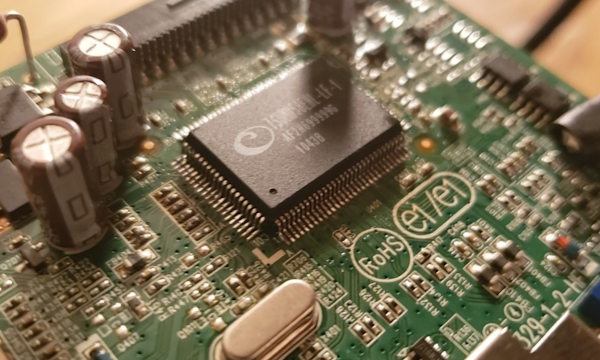
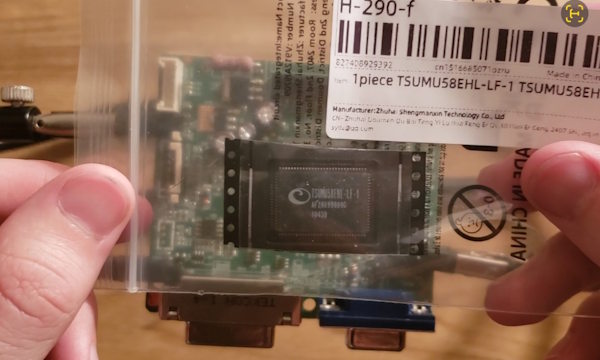
After verifying correct supply voltages, I noticed the supply to the main board was noisy and started temping the ICs to see if anything was abnormally hot. I isolated the failure to a defective TSUMU58EHL-LF-1 display bridge IC. The component was overheating and preventing proper signal conversion to the panel only when the VGA was plugged in.
Key Skills & Takeaways
- Hardware fault isolation and troubleshooting
- Identifying failed ICs through thermal behavior
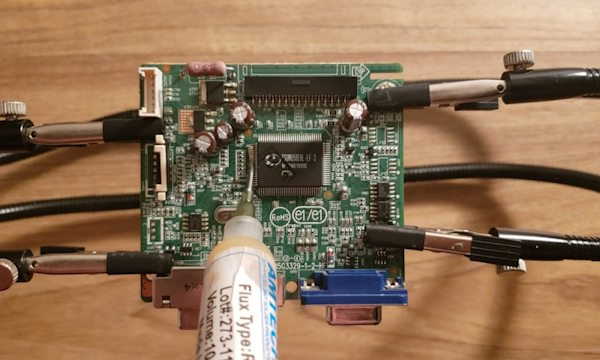
- Precision soldering and IC replacement on a populated PCB
- Interpreting datasheets to verify compatibility and pinout
- Restoring full device functionality without board replacement
Challenges & Setbacks
- Careful removal and resoldering of a fine-pitch IC
- Verifying the replacement part’s compatibility
Failure Diagnosis & Root Cause Analysis
This video documents part of the diagnostic process used to isolate the fault. By analyzing symptoms and thermal behavior, I identified the display bridge IC as the root cause.
Repair Demonstration
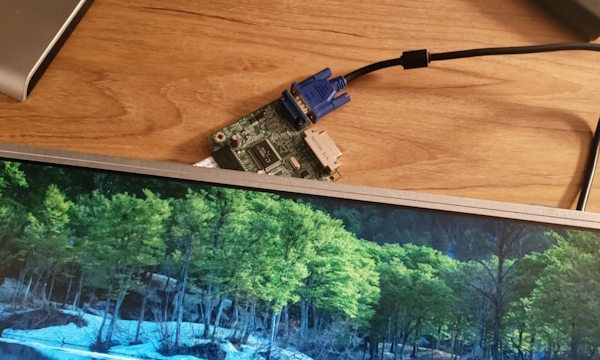
The video below highlights the IC replacement process and confirms successful operation of the monitor following repair.
Repair Gallery